Game Over Comic Style Text Effect: Make Your Graphics Pop
If you have ever tried to recreate the energy of a 1960s Batman fight scene or a classic arcade interface, you know how difficult it is to get that specific "ink on paper" look just right. The Game Over Comic Style Text Effect is a vector design asset built to solve that problem instantly. It captures the high-impact, bold aesthetic of vintage comic books and retro video game titles, but with a modern twist: it is a fully editable vector file. Unlike static raster images that pixelate the moment you scale them up, this design allows you to blow your text up to billboard size or shrink it down to a tiny sticker without ever losing a single pixel of quality. It is a versatile tool designed for Adobe Illustrator users who need professional results without spending hours manually drawing bezier curves.
The Anatomy of a Comic Book Title
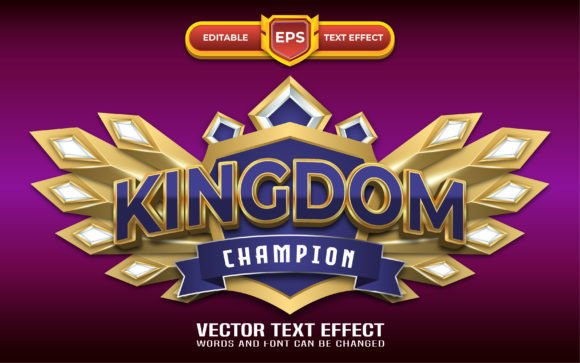
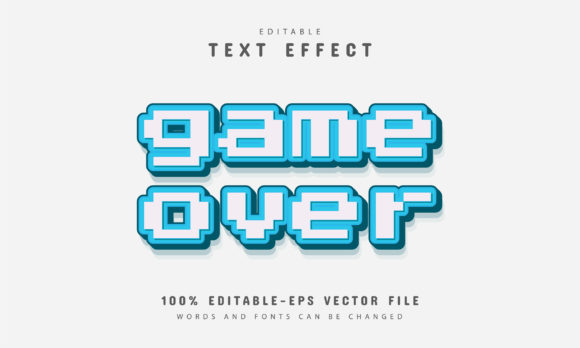
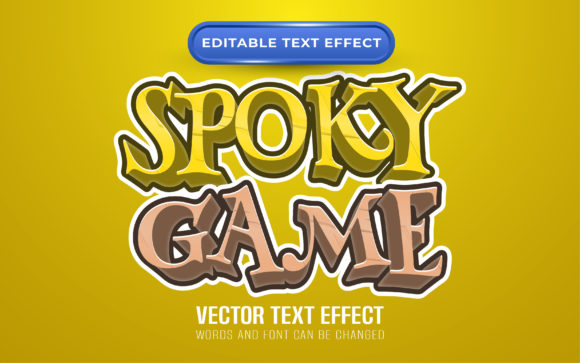
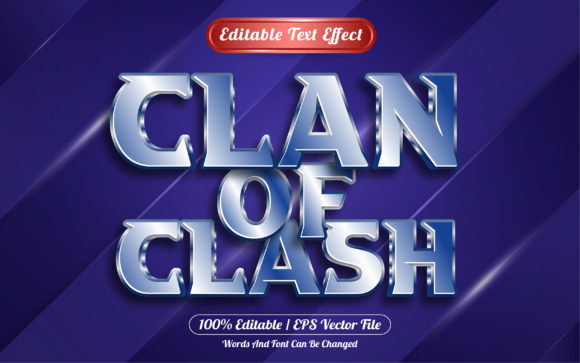
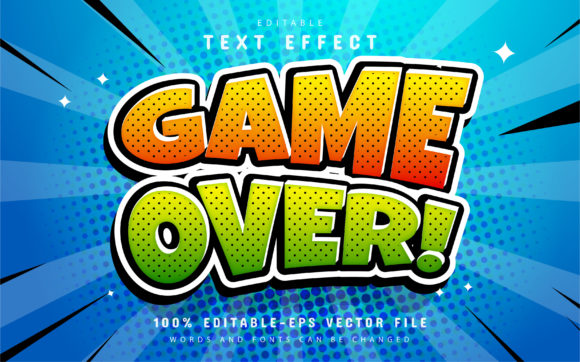
Visually, the Game Over Comic Style Text Effect relies on heavy, blocky letterforms that command attention. The design typically features thick outlines and hard edges, reminiscent of the Ben-Day dots and bold inking techniques found in Golden Age comics. It conveys a sense of urgency and action. Depending on how you customize the color variations, it can look like a vintage newspaper print or a neon-lit digital arcade screen. This flexibility makes it a standout choice among display fonts and text effects. It is not a subtle serif font meant for body text, nor is it a flowing script font. It is a loud, proud typographic statement designed to function as the focal point of a logo design or poster.
Where This Style Fits Best
Understanding where to deploy this style is key to successful brand identity work. Because of its high-energy personality, the Game Over Comic Style Text Effect is ideal for projects targeting gamers, comic enthusiasts, or audiences looking for nostalgia.
Here are a few practical applications for this vector asset:
- Merchandise and Packaging: If you are designing t-shirts, hooders, or sticker packs for a streetwear brand, this effect provides the "instant cool" factor. It works exceptionally well for packaging design on snack foods, energy drinks, or retro candy where you want to evoke a sense of fun and excitement.
- Digital and Social Media: In the fast-scrolling environment of Instagram or TikTok, you have milliseconds to grab attention. Using this text effect for YouTube thumbnails or social media sale announcements can drastically improve click-through rates. It stands out against the noise of standard sans serif fonts.
- Editorial and Publishing: For editorial design, specifically in magazines or zines covering pop culture, gaming, or entertainment, this style works perfectly for pull quotes, feature headers, or chapter titles.
- Event Branding: Hosting a gaming tournament, a comic convention, or a themed birthday party? This asset can be used to create cohesive web design banners and physical signage that set the mood immediately.
Practical Guidance for Designers
One of the biggest hurdles with premium fonts or complex text effects is the editing process. Many assets look great in the preview but become a nightmare to customize. The Game Over Comic Style Text Effect is built with the end-user in mind. It is 100% editable vector, meaning you can change the stroke weight, the fill color, and the text content independently.
Here is how to get the most out of this asset:
- Installation and Setup: The download includes EPS and JPG formats. For the best results, open the EPS file in Adobe Illustrator CS or higher. You will likely need to install the recommended free fonts (details usually included in the font info text file) to ensure the text aligns correctly with the vector paths.
- Editing the Text: Select the Type Tool (shortcut "T") and click on the existing text. You can type your own headline—whether it is "Game Over," "Mega Sale," or "Comic Con." The effect is designed to adapt, but keep your headlines short and punchy for maximum impact.
- Color Variations: Do not settle for the default colors. A great feature of this vector design is the ability to create unlimited color variations. Try swapping the black outlines for dark purple and the fill for neon yellow to create a synthwave vibe. Alternatively, use halftone textures and primary colors for a classic pop-art look.
- Font Pairing: Because this text effect is so loud, it needs a quieter partner. Avoid pairing it with other creative fonts or heavy handwritten fonts. Instead, pair it with a clean, geometric modern typography sans-serif for your sub-headlines or body copy. This creates a necessary visual hierarchy that guides the reader's eye without overwhelming them.
Maintaining Brand Consistency
For entrepreneurs and small business owners, consistency is everything. If you use the Game Over Comic Style Text Effect on your Instagram stories, you should also consider how it translates to your website or your product hang-tags. Because this is a scalable vector, you can use the exact same asset for a small favicon and a large storefront window decal. This ensures your brand identity remains recognizable across all touchpoints. It bridges the gap between digital and print, ensuring that your design assets work hard for you in every medium.
Ultimately, this asset is about adding personality. It transforms a generic layout into something memorable. Whether you are a seasoned graphic designer looking to speed up your workflow or a hobbyist creating graphics for a local gaming club, the Game Over Comic Style Text Effect offers a professional, high-quality foundation to build upon. It proves that you don't need to be a master typographer to achieve professional, eye-catching results.